
How to reset your Bookly Cloud account password
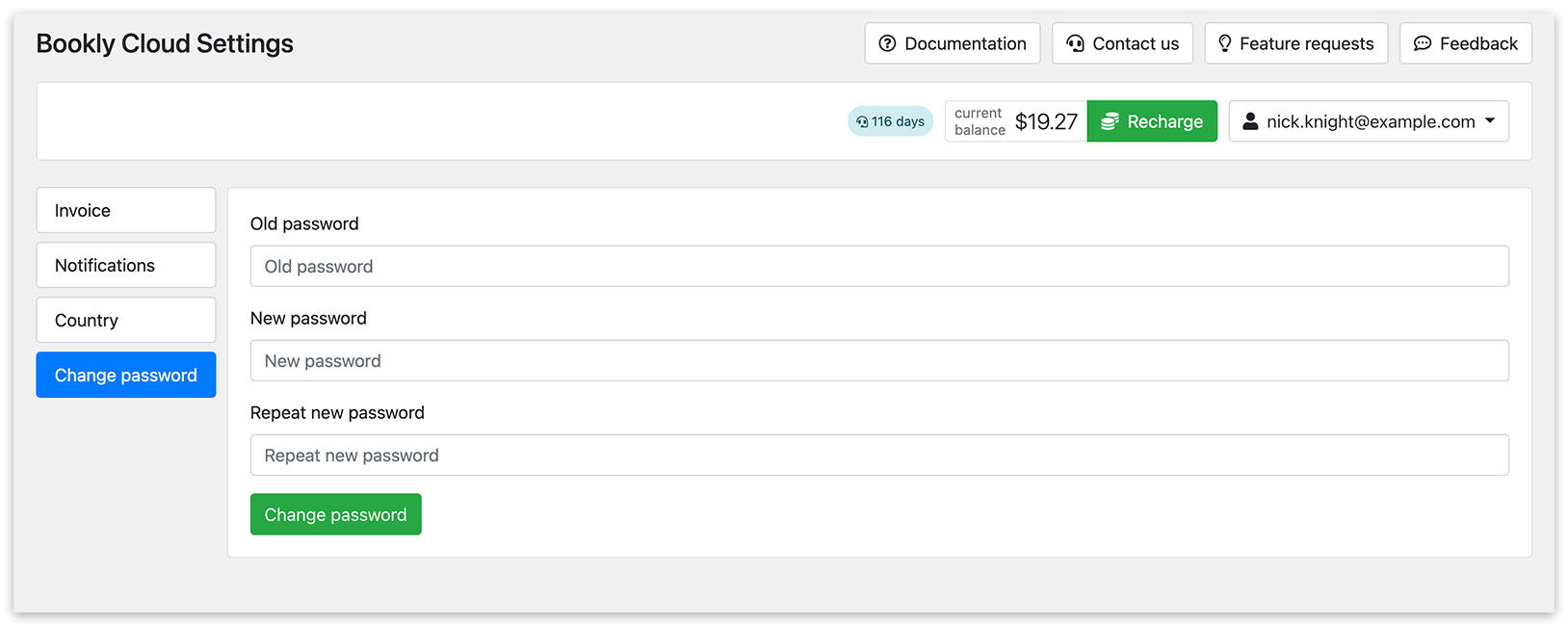
Change password
1. Sign in to your Bookly Cloud account.
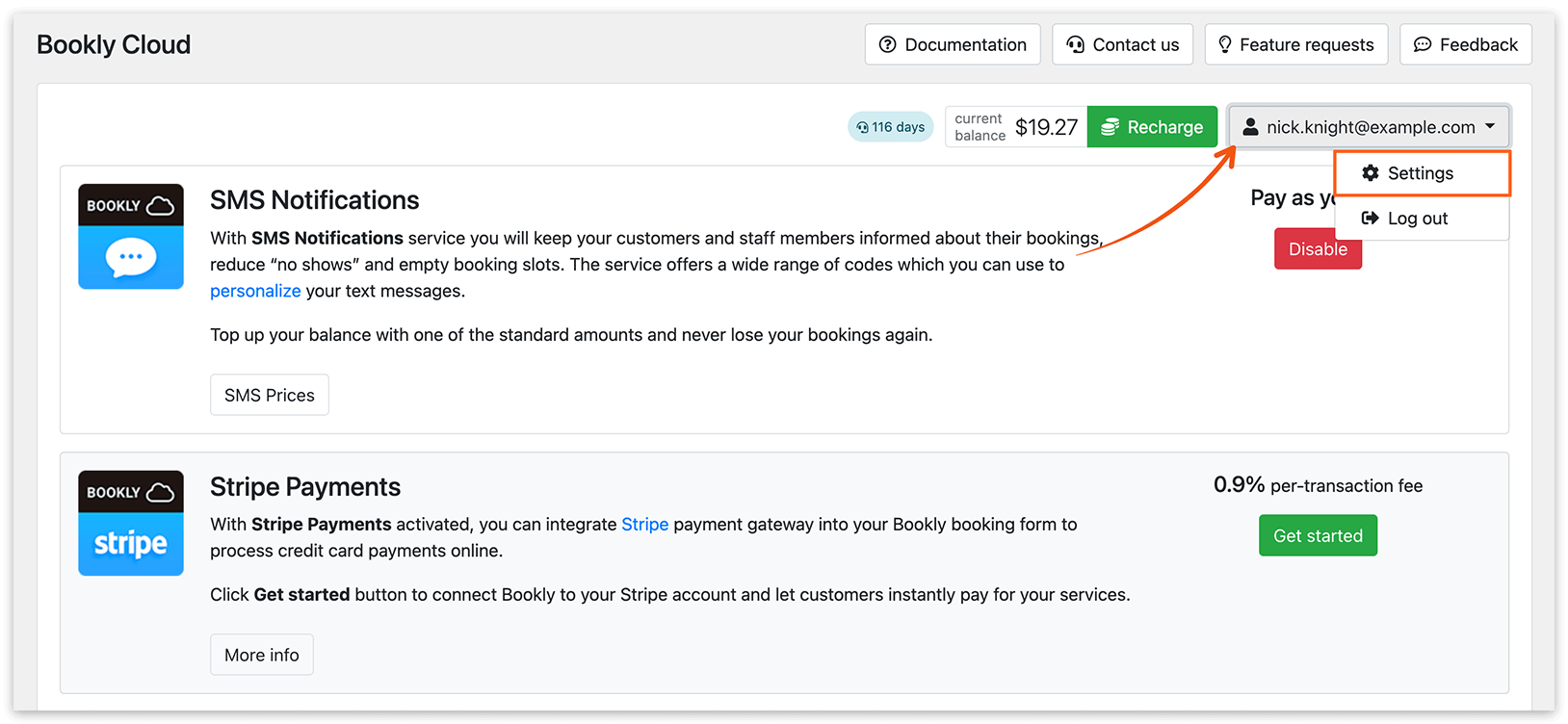
2. In the upper right corner of the screen, click on your user name or go to Bookly Cloud > Settings > Change password.
Reset password
1. Access the Bookly Cloud section, click Log in > Forgot password button.
2. Enter the email address you registered for your Bookly Cloud account and then click on the Next button.
3. Access the inbox of the provided email address, copy the recovery code from the email, and paste it into Bookly. Click Next.
4. Enter your new password twice and click Next.