Bookly Pro Review 2026: An Honest Team Review of the WordPress Booking Plugin
Bookly Pro is a per-site WordPress booking plugin: one licence covers one WordPress site with unlimited staff and services on it. Current pricing during our Autumn Sale is $39/year (or $99 one-time lifetime) for a single site, with Business plans starting at $69/year for one site and Ultimate plans starting at $159/year. Pro, Business, and Ultimate offer different feature sets: Pro covers essential booking needs, Business adds more features, and Ultimate includes the full feature set. Plans also differ in the number of sites you can activate, support level, and price.
It’s a strong fit if you run a WordPress site for a service business (salons, medical practices, tutors, consultants, small agencies) and want a booking system that lives inside your WordPress admin, keeps customer data on your host, and doesn’t charge per team member. It’s a poor fit for hotel or rental businesses, headless-only front ends, and teams that need a per-seat SaaS product without a WordPress site attached.
This review is written by the Bookly team. We disclose that up front. What follows is a factual walkthrough of what the product does today (version 28.3, released September 22, 2026), what it doesn’t do, where we’ve seen the sharpest friction from support tickets and public reviews, and who we think it isn’t for.
Why we wrote our own review
There are plenty of third-party Bookly reviews on the web, and many of them are helpful. But we’ve also watched a handful of older reviews propagate outdated facts — pricing that hasn’t been current since 2024, tier structures we’ve since revised, features listed as “missing” that shipped in a subsequent release. When a prospective customer lands on a review that’s two years stale, they make a decision based on the product we used to be, not the product we are.
So we wrote this. It is, unavoidably, a first-party review. We are not neutral. What we can offer instead is transparency: every price and feature statement in this article is verified against our live pricing page and WordPress.org listing on September 23, 2026. Where the product has real limits, we say so. Where we’ve seen friction in support tickets or one-star reviews, we say so. If you want a competitor comparison, we suggest reading independent WordPress publications that cover the booking plugin category regularly — this article is the product review, not the shootout.
What Bookly Pro actually is
Bookly is a WordPress booking plugin available as a free version from WordPress.org. Bookly Pro expands its core booking capabilities with unlimited staff members, unlimited services and payment processing.
The plugin has been on WordPress.org since October 10, 2014. As of today it shows 60,000+ active installations, a 4.4 out of 5 star rating across 579 reviews, and is available in 9 locales in the plugin UI. Our website is also available in 9 languages.
The paid plugin sits entirely inside your WordPress admin. Bookings, staff, services, notifications, payments, and analytics are all managed from wp-admin/admin.php?page=bookly-dashboard. There is no separate hosted dashboard for the core plugin; customer data lives in your own WordPress database on your own host.
Alongside the plugin, we operate Bookly Cloud — a set of services that connect to the plugin: SMS notifications (pay-as-you-go), WhatsApp notifications (through Meta Cloud API, bring-your-own-account), Stripe payments (with a 0.9% Bookly Cloud application fee on top of Stripe’s own processing fees), and the AI Assistant booking form (requires a Cloud account and is currently free to use). These are not tier-gated — Free-tier users can use them too, subject to Cloud account setup.
Pricing today (Autumn Sale active)
Our current pricing includes an active Autumn Sale — up to 40% off Bookly Pro, with crossed-out prior prices displayed on the pricing page. Here is the full matrix as it appears live on September 23, 2026:
| Tier | Sites | Annual (current sale) | Annual (prior) | Lifetime (current sale) | Lifetime (prior) | Support |
|---|---|---|---|---|---|---|
| Free (WordPress.org) | unlimited* | $0 | — | — | — | Community |
| Pro | 1 | $39/yr | $99 | Priority | ||
| Business | 1 | $69/yr | $129 | Priority | ||
| Business | 5 | $129/yr | $249 | Priority | ||
| Ultimate | 1 | $159/yr | $199 | Premium | ||
| Ultimate | 20 | $249/yr | $499 | Premium | ||
| Ultimate | 100 | $299/yr | $699 | Premium |
*Free tier: install on any number of WordPress sites (no licence key). Feature cap is 5 services and 1 staff member per install — this is what changes between Free and any paid tier, not the site count.
Pro, Business, and Ultimate differ in their included features as well as site count, support, and price:
- Features — Pro includes the core booking features without add-ons. Pro users can purchase add-ons separately. Business includes a broader feature set, while Ultimate includes all features.
- Site count — Pro covers 1 site; Business covers 1 or 5 sites; Ultimate covers 1, 20, or 100 sites.
- Support tier — Pro and Business get Priority support; Ultimate adds Premium (dedicated) support.
- Price — the annual and lifetime prices in the table above.
Money-back guarantee: 30 days on all paid tiers.
Bookly Cloud signup bonus: $5 signup credit plus up to $400 in bonus on your first top-up. This applies regardless of your plugin tier.
The lifetime option is a one-time payment — no renewals. Purchase codes for annual plans need to be renewed each year to keep priority support and automatic updates active.
Booking features and optional extensions
The overview below covers Bookly Pro, optional add-ons, and Bookly Cloud services. It is not a list of features included with Pro alone. Add-ons are purchased separately by Pro users and require Bookly Pro; they do not work with Bookly Free. Check the plan comparison for the features included in Business and Ultimate.
Booking form and customer flow. Fully customisable booking form — you can rewrite headings, buttons, and step labels; hide fields you don’t need; show or hide the calendar; block time slots. The form works with Elementor and Gutenberg through native blocks, and it renders correctly across mobile viewports. Customers pick a service, a staff member (or “any”), a time slot, provide contact details, and confirm. They receive an email confirmation and, if you have Cloud SMS configured, an SMS confirmation as well.
Staff and services. Unlimited staff members with individual working hours, days off, holidays, service pricing, and Google Calendar sync. Unlimited services organised into categories with per-service duration (from 5 minutes to 7 days), padding time, capacity, and visibility rules.
Payments. Bookly supports Stripe, PayPal, 2Checkout, Authorize.Net, Mollie, PayU (Latam), Square, and PayUbiz through its payment integrations. Availability depends on the integration, add-ons, and plan you use. WooCommerce integration lets you use your existing store checkout. Deposit payments (partial upfront) require an add-on, purchased separately if you use Pro.
Notifications. Email templates for confirmation, cancellation, reminders, follow-ups, birthday greetings, next-day agenda, and more. SMS notifications through Bookly Cloud (pay-as-you-go). WhatsApp notifications through the Meta Cloud API — you connect your own WhatsApp Business account, which keeps message costs at Meta rates rather than a marked-up middleman.
Calendar integrations. Bookly offers integrations with Google Calendar, Apple Calendar, Outlook, Zoom, Google Meet, and Jitsi. Check the requirements for each integration: some capabilities require an add-on and are not included with Pro alone.
Customer and staff cabinets. Optional extensions let customers view, reschedule, or cancel bookings, and let staff manage their calendars without a full WordPress admin role. These capabilities should not be assumed to be included with Pro alone; check the relevant add-on and plan requirements.
Analytics. Built-in dashboard showing bookings, revenue, staff performance, service popularity, and cancellation rates. Time-based filters. Exportable to CSV.
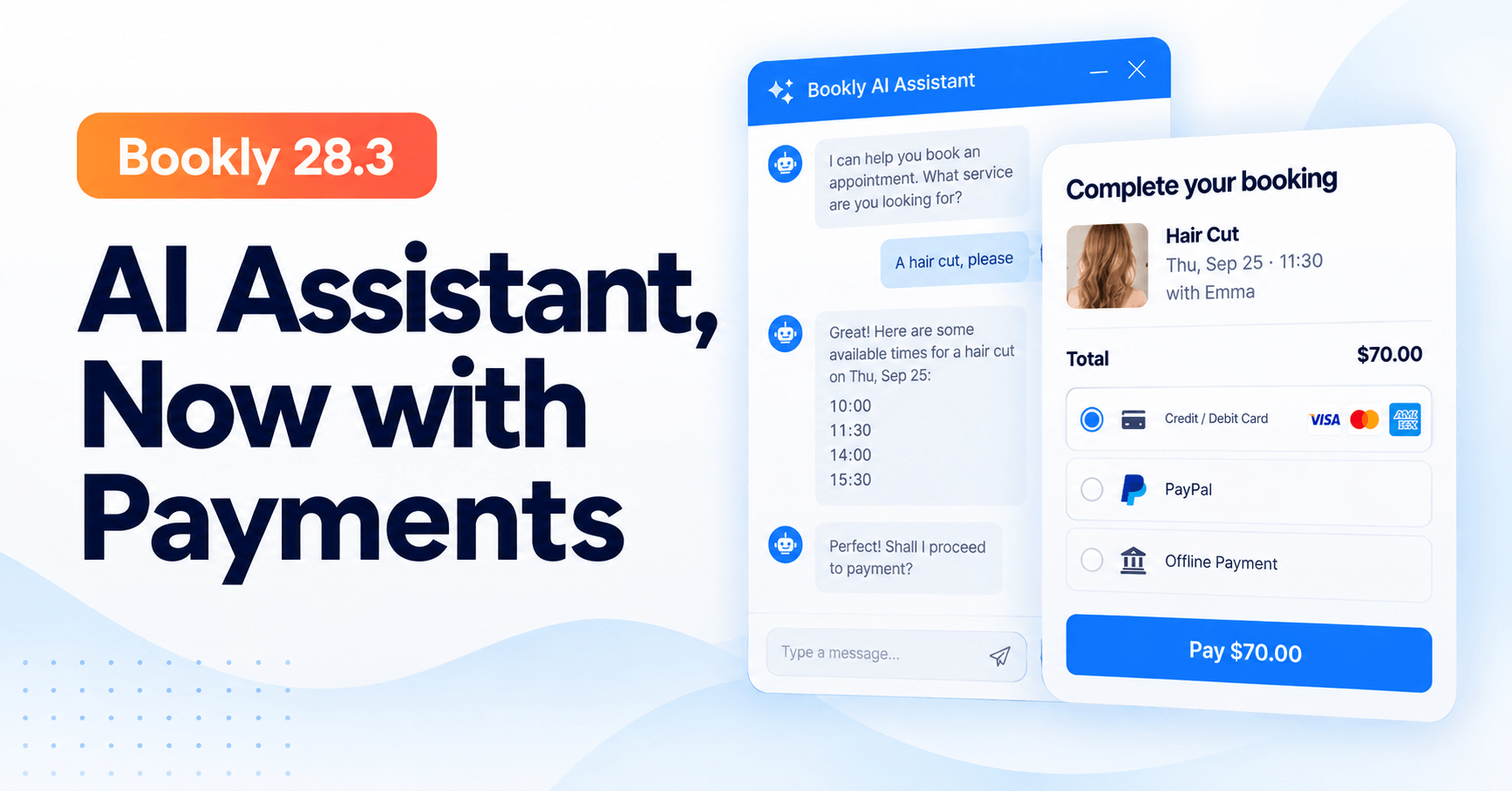
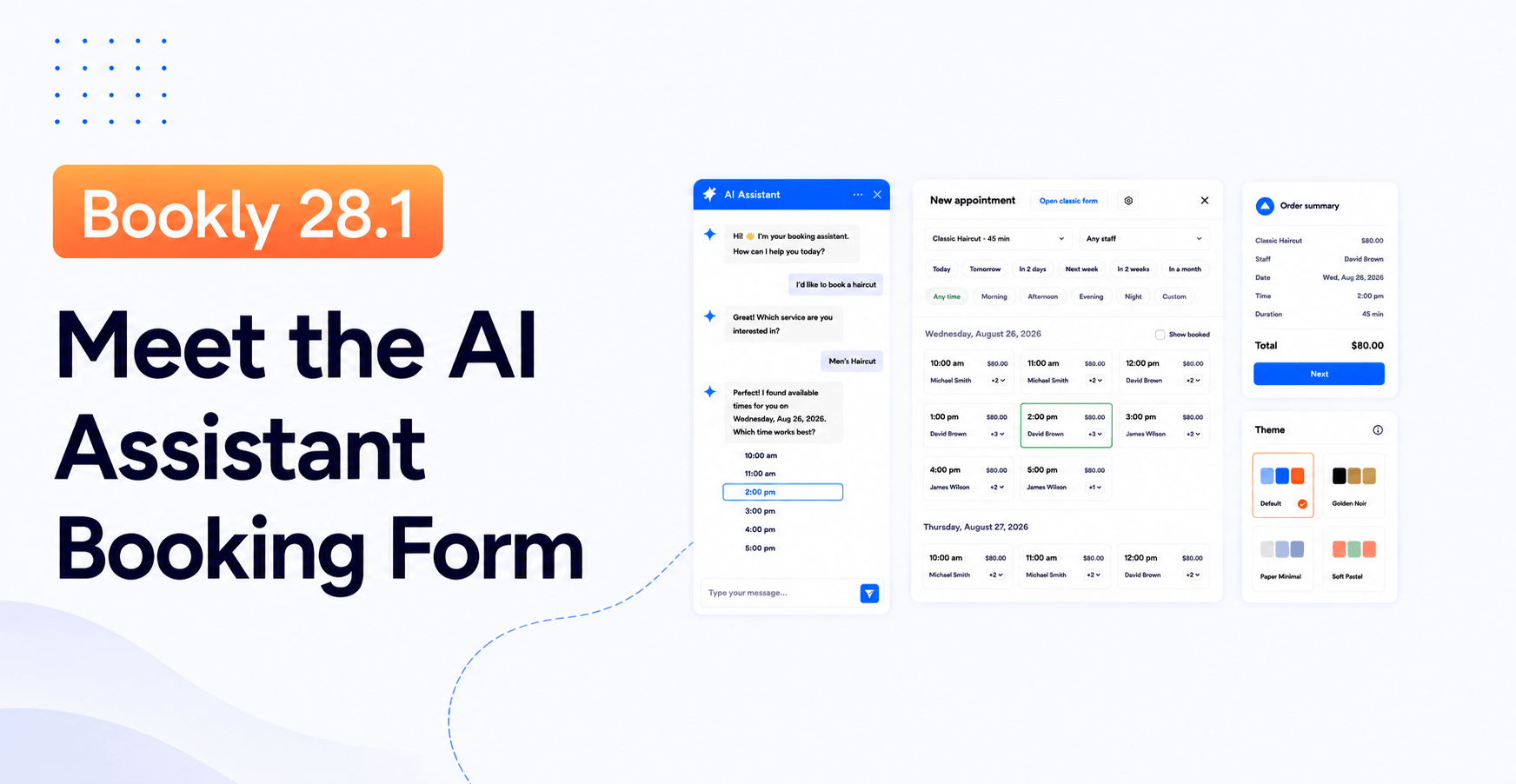
AI Assistant booking form. A conversational booking flow powered through Bookly Cloud. Customers describe what they need in plain language (“I want a haircut with Anna next Tuesday afternoon”), and the assistant walks them through the booking. It requires a Bookly Cloud account and is currently free to use.
Add-ons ecosystem. Bookly offers 40+ paid add-ons for capabilities such as advanced payments, group bookings, packages, waiting lists, taxes and invoicing, Locations, Ratings, Files, Mailchimp integration, and Google Maps. Bookly Pro does not include add-ons: Pro users can buy the extensions they need separately. Add-ons require Bookly Pro and do not work with Bookly Free. If you only need one or two add-ons, buying them separately for Pro may be more economical. For several add-ons, a Business or Ultimate bundle offers better value. Business includes a broader feature set, while Ultimate includes all features.

Multi-language. The plugin UI ships in 9 locales — Dutch, English (US), French, German, Italian, Portuguese (Portugal), Ukrainian, Spanish (Spain), Russian. WPML integration for multi-language front-end booking forms. Our website is also available in 9 languages.
Mobile apps. iOS and Android native apps for staff and admins — see your calendar, mark appointments, view customer details, and check daily agenda from your phone.
Honest cons
We monitor our WordPress.org one-star reviews and our support ticket volume. Here are the recurring friction points we see, without spin.
The admin UI has a lot of surface area. Bookly’s admin has grown feature-by-feature over 12 years. If you install it fresh and try to configure everything at once, you will be clicking through a lot of settings screens. The setup wizard added in the 28.x releases addresses the first-run experience, but ongoing configuration (adding a new add-on, tuning notifications, wiring a payment processor) still has more steps than a lightweight competitor built after 2022. If you value five-minute setup over depth, that’s a real trade-off.
Free tier is genuinely limited. The Free version caps you at 5 services and 1 staff member per install. If your business has 3 staff and 12 services, you cannot evaluate the full flow on the free tier — you need to move to Pro to see how the plugin handles multi-staff scheduling and category-based services. Some prospective customers see this as a paywall for evaluation. Our answer: the 30-day money-back guarantee is designed to cover the evaluation window on a paid tier.
Add-ons cost extra with Pro. Bookly Pro does not include any add-ons. For example, Gift Cards is a separate purchase for Pro users. Buying one or two add-ons separately may be more economical; for several, a Business or Ultimate bundle offers better value. Add-ons require Bookly Pro and cannot be used with the free version.
No hotel or rental use case. We’re a time-slot appointment plugin, not a room-nights or asset-rental plugin. If you sell overnight stays or day-rented equipment, Bookly is the wrong tool. We say this on the WordPress.org listing and we’re saying it here.
iOS/Android apps are admin apps, not customer booking apps. Our mobile apps let staff and admins manage their calendar on the go. They are not a customer-facing booking app; customers still book through the WordPress site (which is mobile-responsive). If you want a branded customer-facing mobile app, Bookly is not the tool.
Who Bookly Pro is best for
We see clear patterns in who gets sustained value from Bookly. The five scenarios below cover most of our customer base.
Single-site salons, barbershops, spas, and beauty studios. Pro tier at $39/year covers a single WordPress site with unlimited stylists and unlimited services. Colour-coded calendar, per-staff schedules, deposit payments (via a separately purchased add-on), SMS reminders, and a booking form that plugs into any WordPress theme. This is where Bookly started and where our customer volume is highest.
Medical and wellness practices. Multi-provider scheduling with individual service durations can support appointment-based practices. If you need custom intake fields or integrations such as Zoom or Google Meet, check the required add-ons and plan contents. Choose a plan based on the features and number of WordPress sites you need.
Tutors, coaches, consultants, and lesson-based businesses. Pro can be extended with separately purchased add-ons for recurring appointments, packages, and a customer cabinet for rescheduling. If you need several of these features, a Business or Ultimate bundle offers better value than buying add-ons individually.
Small agencies managing up to 5 client sites. Business tier at $129/year for 5 sites is our most efficient tier for agencies serving small clients — one licence, five WordPress installs, one place to manage renewals.
Larger agencies and multi-location businesses at 20 to 100 sites. Ultimate tier at $249/year (20 sites) or $299/year (100 sites) combines the full feature set with Premium (dedicated) support. Choose the site allowance that matches the number of WordPress installations you manage.
When NOT to use Bookly
We’d rather you not buy Bookly than buy it and regret it. Here are four scenarios where you should look elsewhere.
You run a hotel, short-term rental, or asset-rental business. Bookly is built around time-slot appointments (staff × service × time window). Hotels and rentals need night-based inventory, check-in/check-out logic, and per-unit availability that Bookly doesn’t model. A dedicated hotel booking plugin will serve you better.
You need a per-seat SaaS scheduling product without a WordPress site. If your team lives in Google Calendar or Outlook and you want a share-your-availability link to send prospects, you don’t want a WordPress plugin. You want a SaaS scheduling tool. Bookly requires a WordPress site, and its licence model is per-site, not per-team-member.
You run a headless WordPress front end. Bookly’s booking form renders through the standard WordPress front end (Elementor, Gutenberg, page builders). If your front end is a decoupled React or Next.js app talking to WordPress via REST, the booking form won’t render natively — you’d need a custom integration on top of Bookly’s REST endpoints, and that’s engineering work you should scope carefully before committing.
You want a SaaS marketplace multi-tenant model. If you’re building a booking-as-a-service platform where you host many businesses under one instance and want per-tenant billing, Bookly is not the right architecture. Bookly is a per-site plugin — one WordPress site, one business’s booking flow.
Migrating to Bookly from another plugin
If you’re moving from another WordPress booking plugin, the general path is:

- Export your appointments from your current plugin as CSV (each plugin has its own export path — check its documentation).
- Install Bookly free from WordPress.org (
Plugins → Add Plugin → search "Bookly"). - Purchase Bookly Pro, Business, or Ultimate and activate the licence key.
- Import your CSV via
Bookly → Diagnostics → Import appointments. - Test end-to-end with a small booking before switching customer-facing traffic.
Our full migration guide is in the Bookly Help Center. Payment method migration should follow Bookly’s payment setup instructions and be tested with a small end-to-end booking before you switch production traffic.
Frequently asked questions
Is Bookly Pro worth it for a single-site salon?
At $39/year (Autumn Sale price, currently marked down from $99) or $99 one-time lifetime, Bookly Pro covers one WordPress site with unlimited staff and services. Add-ons are not included and must be purchased separately if you need them. SMS reminders through Bookly Cloud have separate usage charges. If you need just one or two add-ons, buying them separately may be more economical. For several add-ons, consider a Business or Ultimate bundle for better value.
What’s the difference between Bookly Pro, Business, and Ultimate?
Pro, Business, and Ultimate offer different feature sets. Pro includes core booking features without add-ons; Pro users can purchase add-ons separately. Business includes a broader feature set, and Ultimate includes all features. Plans also differ in site count (Pro 1; Business 1 or 5; Ultimate 1, 20, or 100), support level (Priority for Pro and Business; Premium for Ultimate), and price. Choose based on both your feature requirements and site count.
What happens if I don’t renew my annual subscription?
Your purchase code becomes invalid: automatic updates stop, and paid features revert to their unpaid state. Your booking data stays in the WordPress database. To restore paid features, renew the subscription or purchase a new licence. If you buy the lifetime option instead, you don’t need to renew — the licence stays active.
Does Bookly Free work without a licence key?
Yes. The Free version installs from WordPress.org, has no licence key, and can be installed on any number of WordPress sites. The feature cap is 5 services and 1 staff member per install. Free supports basic booking, email notifications, and Stripe payments through Bookly Cloud (with the 0.9% Cloud fee). Add-ons do not work with Free; they require Bookly Pro.
Does Bookly send SMS reminders?
Yes, through Bookly Cloud on a pay-as-you-go basis. You top up your Cloud balance (there is a $5 signup credit and up to $400 in bonus on your first top-up), then SMS notifications draw down from that balance based on your carrier destination.
Does Bookly support WhatsApp?
Yes. WhatsApp notifications go through your own Meta Cloud API account — you connect your business WhatsApp number, and message costs go to Meta at their standard rates. Bookly connects the wiring but doesn’t add a per-message markup. WhatsApp is not tier-gated; it works across Pro, Business, and Ultimate.
Is there a mobile app for customers to book?
No. Our iOS and Android apps are staff and admin apps — they let your team manage the calendar from a phone. Customers book through your WordPress site, which is mobile-responsive. If you need a branded customer-facing mobile app, Bookly is not the right tool.
How does the Autumn Sale pricing work — are the crossed-out prices real?
Yes. The crossed-out prior prices in the pricing table were the actual live prices on our pricing page before the Autumn Sale started. We display both current and prior prices for transparency. When the sale ends, prices will revert to the prior levels.
Does Bookly only work with WordPress?
Yes. Bookly is a WordPress plugin, so you need a WordPress website to install and use it. It is not a standalone booking service.
How quickly does Bookly support respond?
We aim to respond the same day, and sometimes reply within an hour. Response times depend on the current support workload.
How long is the money-back guarantee?
30 days from purchase. If Bookly doesn’t fit your business, request a refund within 30 days and we’ll process it. The refund covers the licence payment; Cloud balance top-ups are not part of the guarantee.
Product details updated following editorial review on September 28, 2026. Pricing and the original source checks date to September 23, 2026 against the live Bookly pricing page, Bookly Pro page, and the WordPress.org plugin listing. Autumn Sale is a limited-time promotion — check the pricing page for current prices at the time you’re reading this.
[/fusion_text][/fusion_builder_column][/fusion_builder_row][/fusion_builder_container]