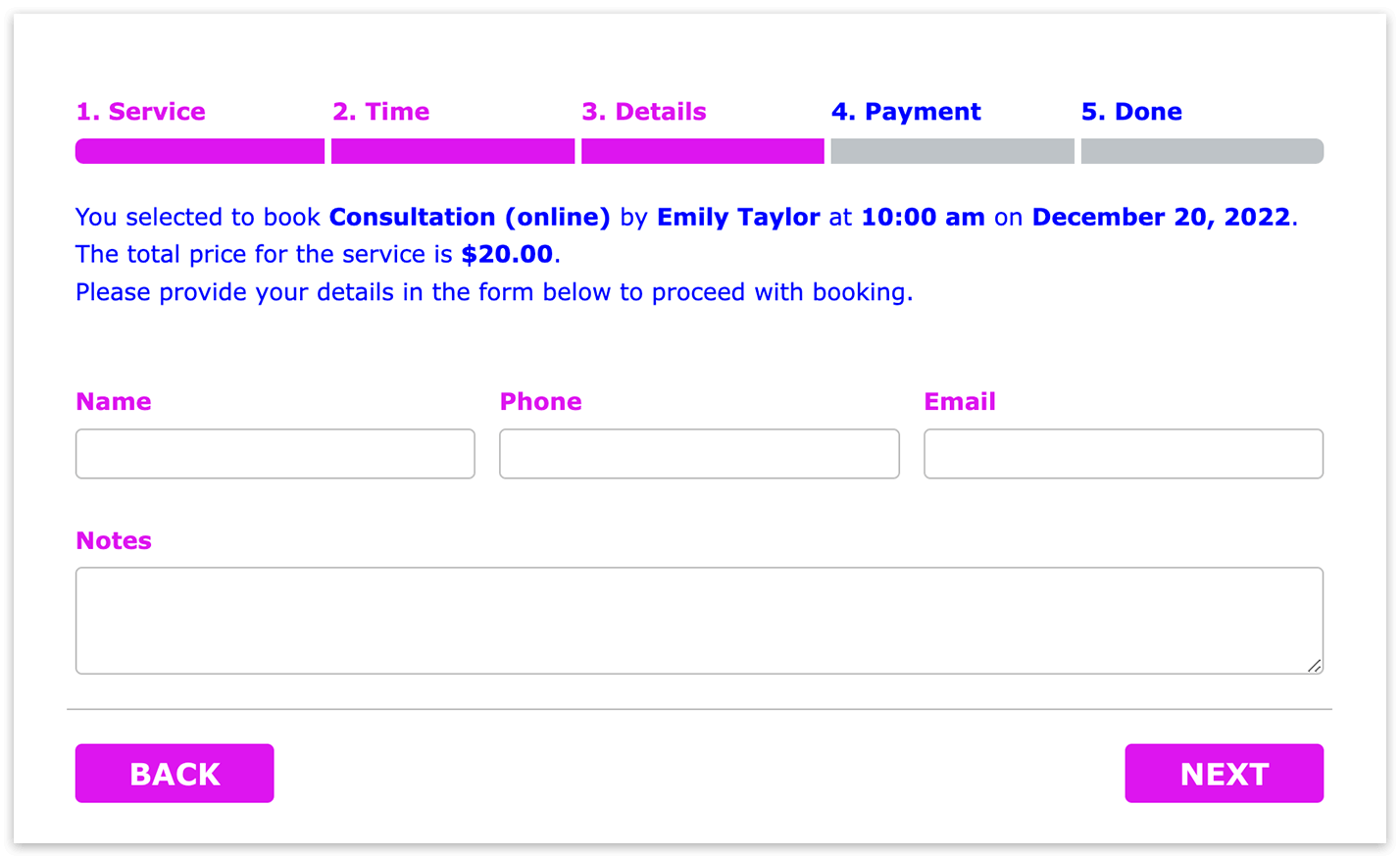
Wie ändere ich die Textfarbe im Bookly-Buchungsformular?
Um die Textfarbe des Buchungsformulars zu ändern, fügen Sie unter Bookly > Darstellung > Benutzerdefiniertes CSS bearbeiten dieses CSS hinzu:
.bookly-form {
color: blue !important;
}
.bookly-form-group > label, .bookly-label-error, .bookly-progress-tracker > .active, .bookly-form .picker__nav—next, .bookly-form .pickadate__nav—prev, .bookly-form .picker__day:hover, .bookly-form .picker__day—selected:hover, .bookly-form .picker—opened .picker__day—selected, .bookly-form .picker__button—clear, .bookly-form .picker__button—today, .bookly-columnizer .bookly-hour span.bookly-waiting-list {
color: blue !important;
}
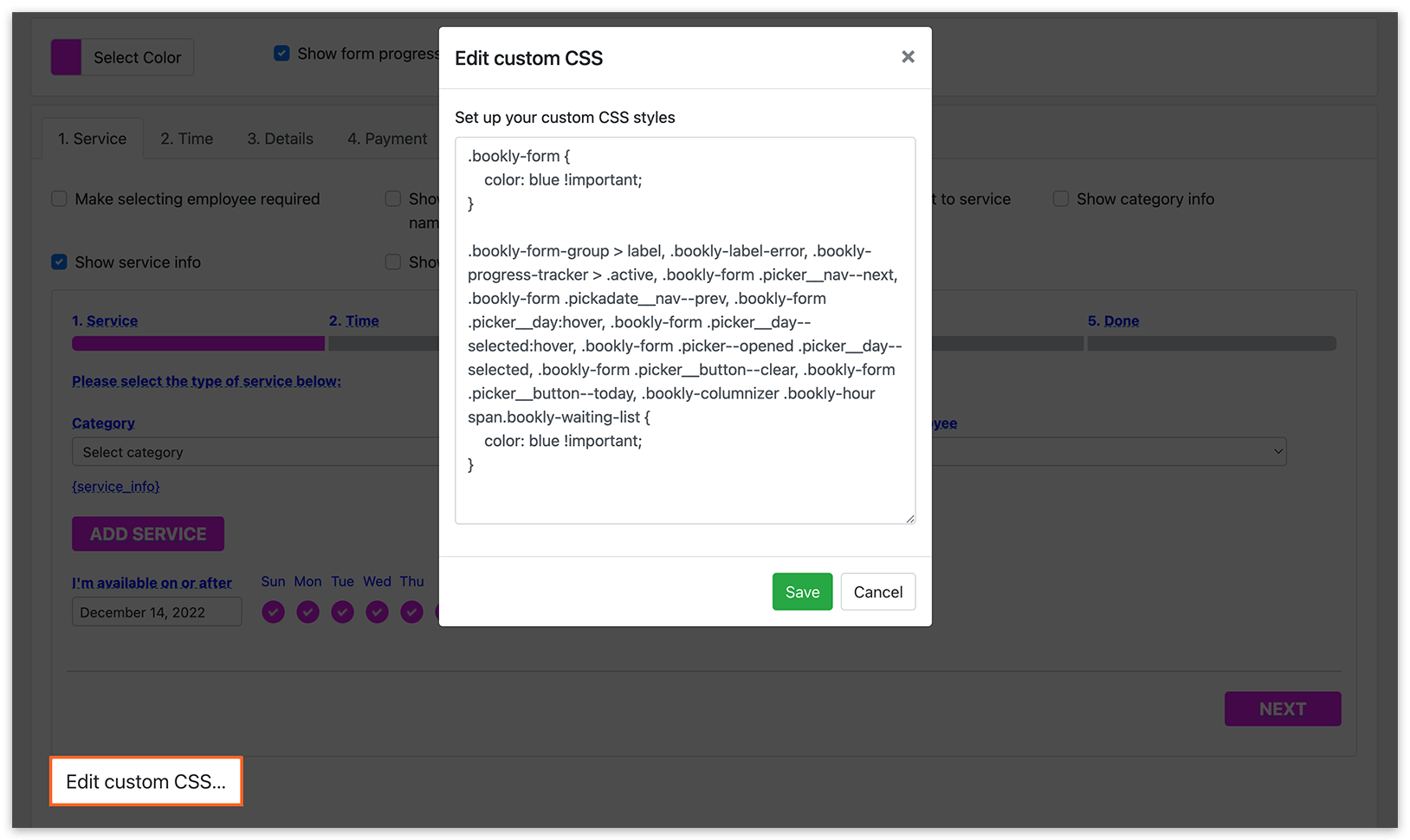
In diesem Beispiel wird die Schriftfarbe auf Blau geändert, Sie können aber jede beliebige Farbe wählen oder Ihre Farbe im 16-Bit-Format angeben.